Path-Traced Physically Based Rendering#
DiffRP implements a path tracing pipeline for high-quality physically-based rendering.
We first load the ABeautifulGame scene and add a environment light, as in the basic GLTF tutorial:
import torch
import diffrp
from diffrp.utils import *
from diffrp.resources import hdris

scene = diffrp.load_gltf_scene("beautygame.glb", compute_tangents=True).static_batching()
scene.add_light(diffrp.ImageEnvironmentLight(
    intensity=1.0, color=torch.ones(3, device='cuda'),
    image=hdris.newport_loft().cuda(), render_skybox=True
))
Create a camera to look at a beautiful glazing angle:
camera = diffrp.PerspectiveCamera.from_orbit(
    h=720, w=1280,  # resolution
    radius=0.9, azim=50, elev=10,  # orbit camera position, azim/elev in degrees
    origin=[0, 0, 0],  # orbit camera focus point
    fov=28.12, near=0.005, far=100.0  # intrinsics
)
Create the rendering session and perform rendering:
rp = diffrp.PathTracingSession(scene, camera, diffrp.PathTracingSessionOptions(ray_spp=8))
pbr, alpha, extras = rp.pbr()
Perform tone-mapping and view the image:
pbr_mapped = agx_base_contrast(pbr)
to_pil(pbr_mapped).save("game.png")
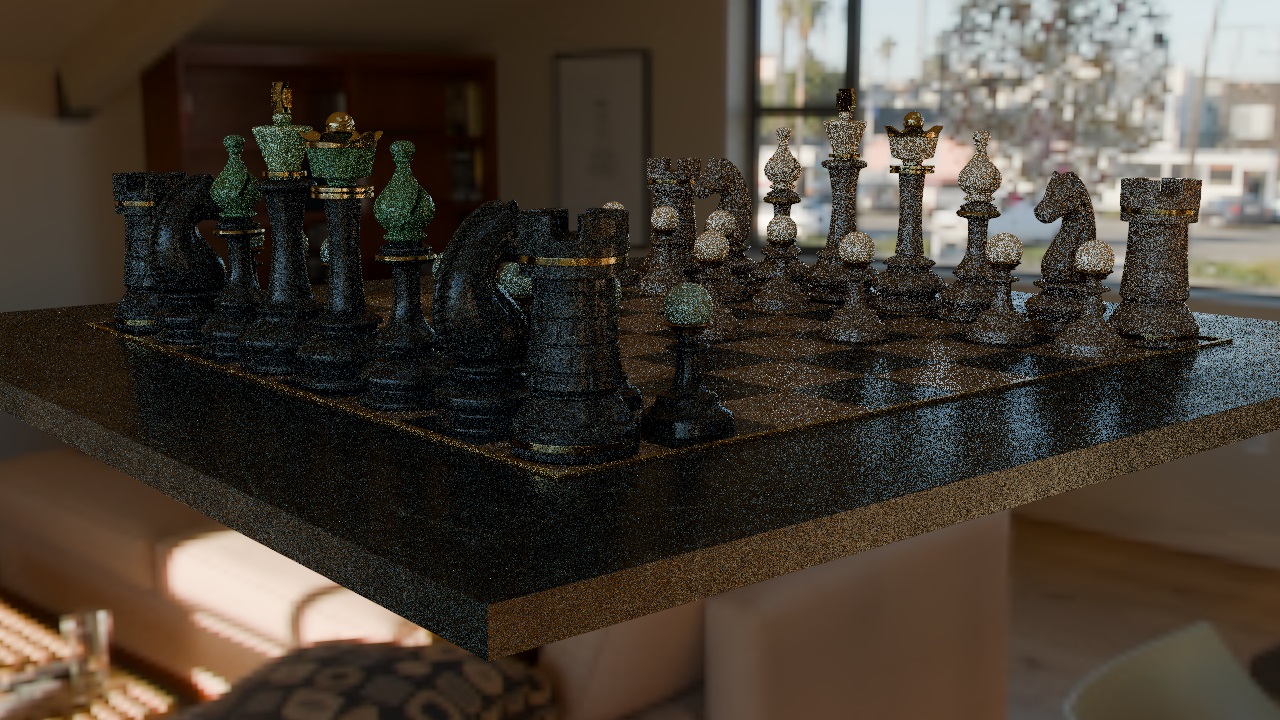
Due to the monte-carlo sampling there is noise in the image.
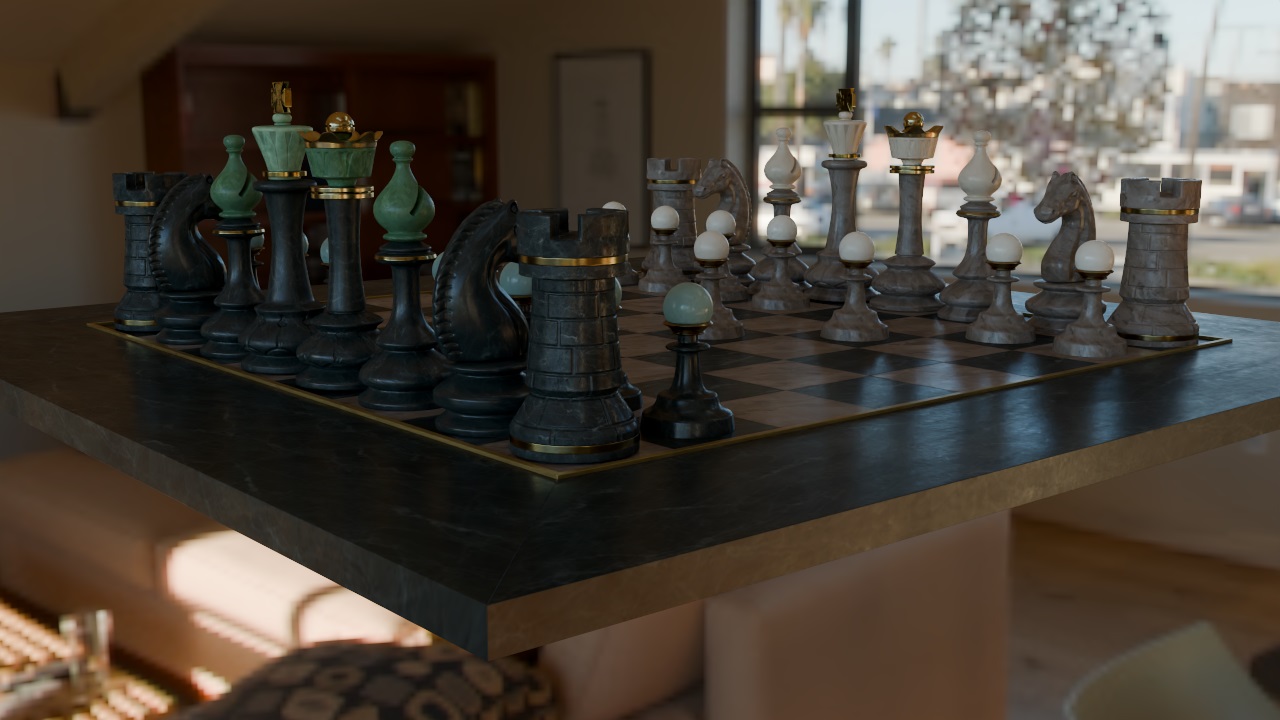
You can use a higher ray_spp to get a less noisy image, and you can also use a denoiser.
DiffRP provides a differentiable version of the HDR-ALB-NML OIDN denoiser. You can even train the denoiser if you would like!
denoiser = diffrp.get_denoiser()
pbr_denoised = agx_base_contrast(diffrp.run_denoiser(denoiser, pbr, linear_to_srgb(extras['albedo']), extras['world_normal']))
to_pil(pbr_denoised).save("gamed.png")
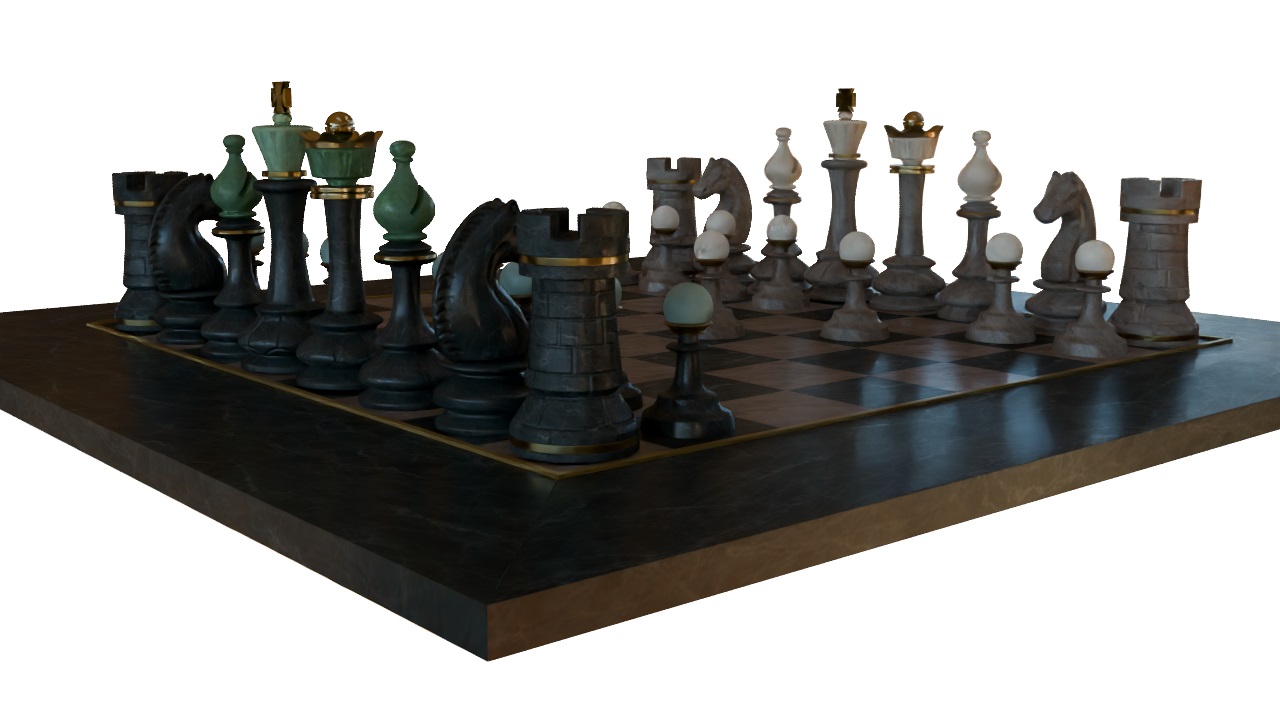
Transparent film is not well supported for now, render_skybox will not affect the background region in the radiance output.
You can still combine with the alpha output to obtain a transparent film image, but you may see some background bleeding into the edges.
to_pil(float4(pbr_denoised, alpha)).save("gameda.png")
Complete example:
import torch
import diffrp
from diffrp.utils import *
from diffrp.resources import hdris

torch.set_grad_enabled(False)
scene = diffrp.load_gltf_scene("beautygame.glb", True).static_batching()
scene.add_light(diffrp.ImageEnvironmentLight(
    intensity=1.0, color=torch.ones(3, device='cuda'),
    image=hdris.newport_loft().cuda(), render_skybox=True
))
camera = diffrp.PerspectiveCamera.from_orbit(
    h=720, w=1280,  # resolution
    radius=0.9, azim=50, elev=10,  # orbit camera position, azim/elev in degrees
    origin=[0, 0, 0],  # orbit camera focus point
    fov=28.12, near=0.005, far=100.0  # intrinsics
)
rp = diffrp.PathTracingSession(scene, camera, diffrp.PathTracingSessionOptions(ray_spp=8))
pbr, alpha, extras = rp.pbr()
denoiser = diffrp.get_denoiser()
pbr_mapped = agx_base_contrast(pbr)
pbr_denoised = agx_base_contrast(diffrp.run_denoiser(denoiser, pbr, linear_to_srgb(extras['albedo']), extras['world_normal']))
to_pil(pbr_mapped).save("game.png")
to_pil(pbr_denoised).save("gamed.png")
to_pil(float4(pbr_denoised, alpha)).save("gameda.png")